Event photobooth
Create browser-based photobooths for your guests.
Guests use their browser camera. Photos stay on their device.
Guests choose one of the enabled photobooths before they start.
Photobooth 1
Editing
Photobooth 2
Click to edit
Pick a ready-made template or upload your own design.
Use one of the pre-designed photobooth layouts.
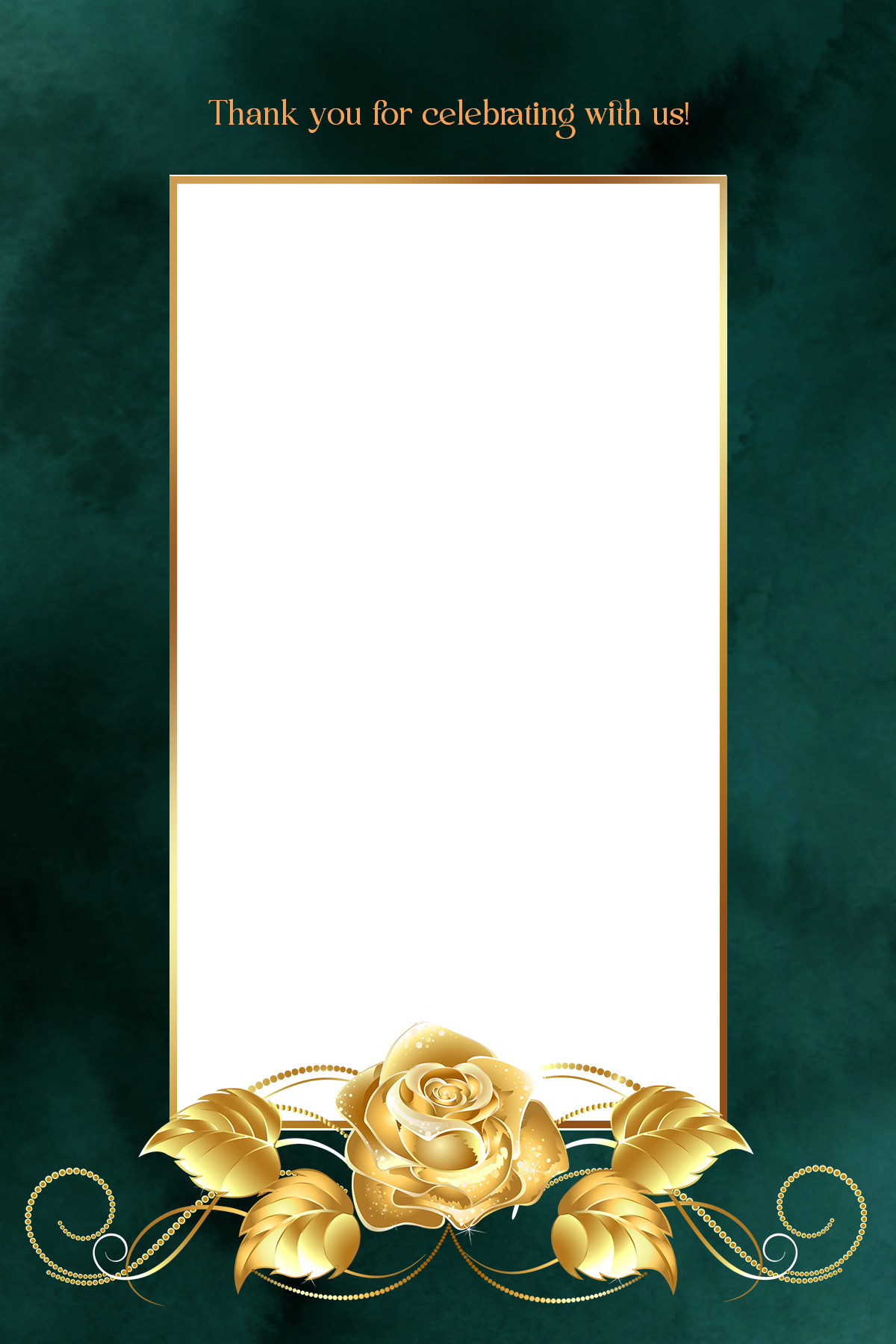
Emerald Green Photobooth
Floral PhotoBooth
strip layout dark
strip layout light
The selected template design will appear directly behind the photo areas in the layout editor.
Upload your own photobooth overlay.
Drop your design here
or click to browse
PNG or JPG, up to 10MB
Replace design
Drop an image or click to browse
Shown in the manager.
The uploaded design becomes the background of the layout editor. Guest photos are placed below it and composited in the browser.
Name your photobooth and control what guests can do.
Guest experience
Control what guests can do in the browser.
This controls the format of the final image generated in the guest's browser.
Layout settings are managed by the system template.
Canvas
600 × 1800
Drag each photo area directly on the design to choose where the guest photo appears.
Width and height are determined automatically from the selected design.
Select a design above.
Your selected design will appear here.
Selected photo
Save your photobooth
Unsaved changes. Your configuration and settings.
This photobooth's design, settings and layout will be permanently removed. Your other photobooths are not affected.